REST API Integration for Utility Providers
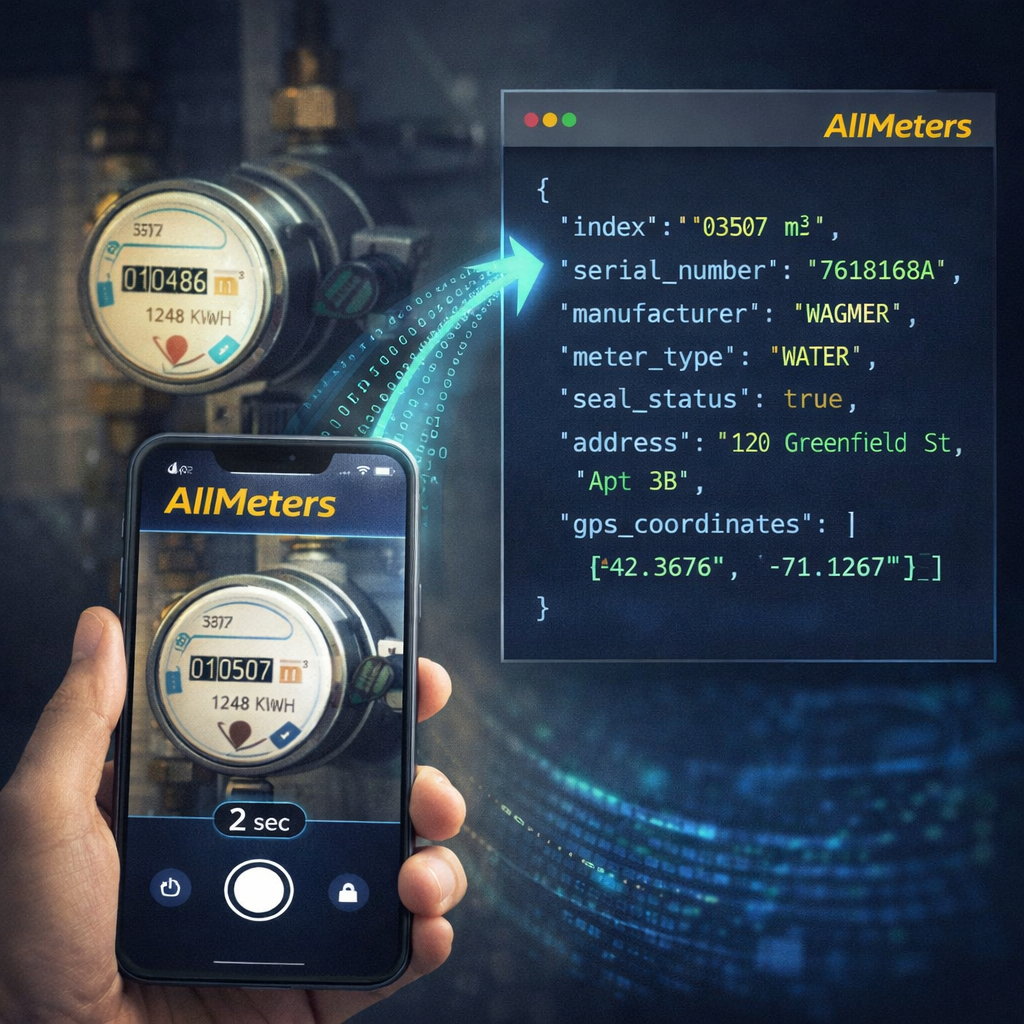
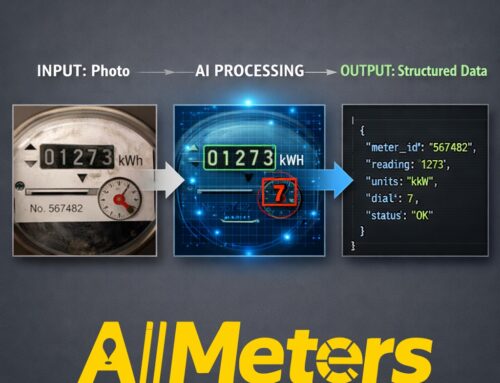
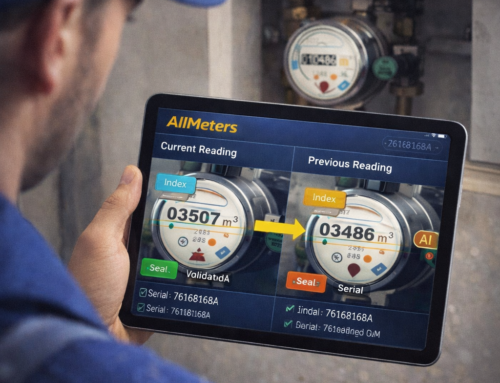
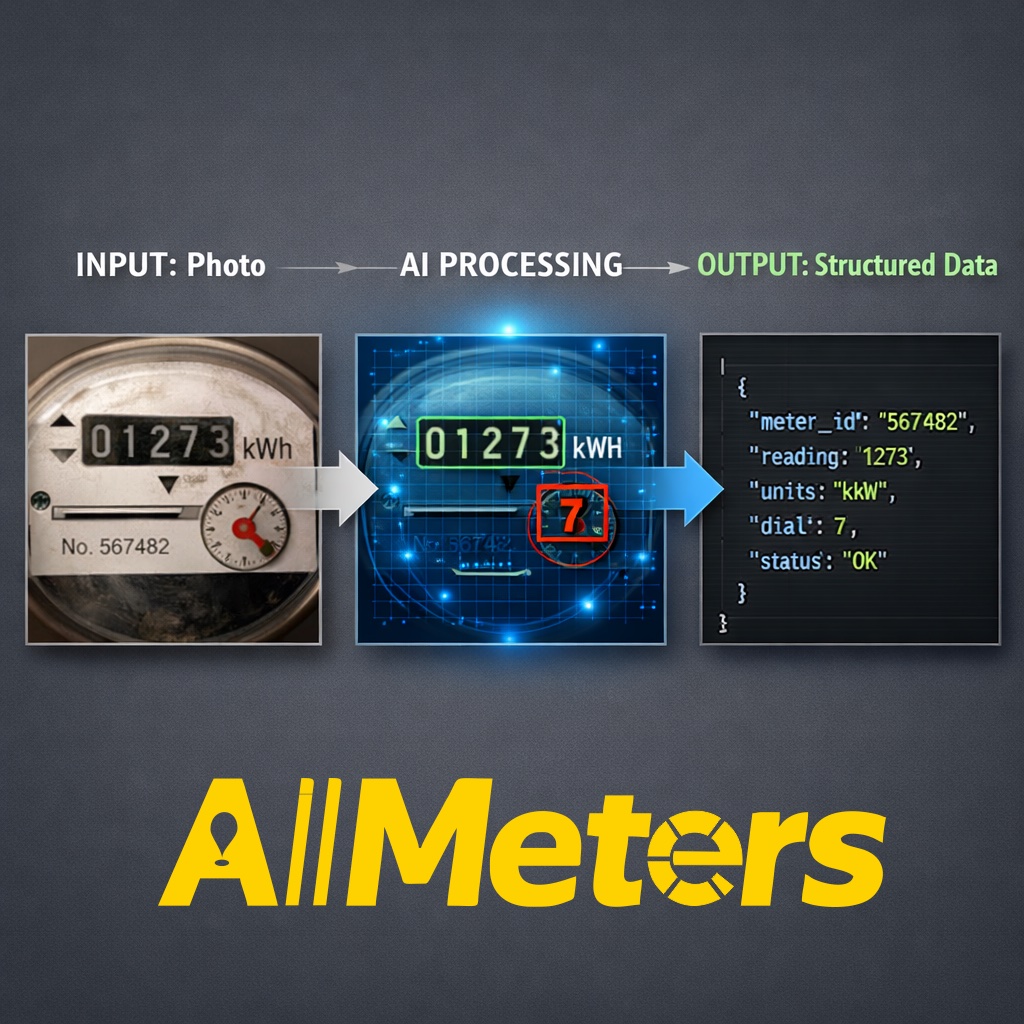
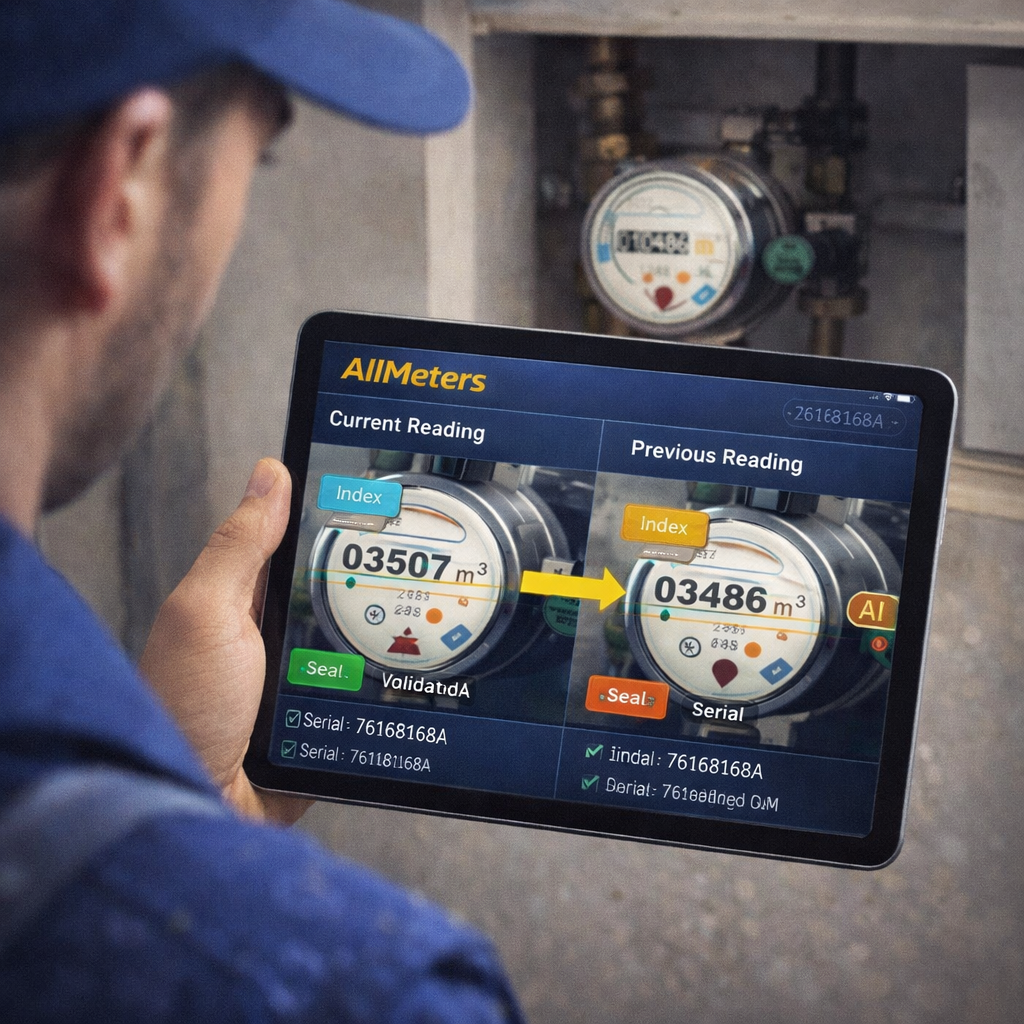
AllMeters provides a production-ready REST API that allows utility companies, billing software vendors, and field management platforms to integrate AI-powered meter reading directly into existing workflows. A single HTTP POST request with a meter photograph returns a structured JSON object with all meter data — index, serial number, manufacturer, seal status — in under 500 milliseconds.
This guide covers the complete integration process: authentication, endpoint reference, request format, JSON response structure, error handling, and a working code example in Python.
Authentication
AllMeters API uses Bearer token authentication. Each utility provider receives a unique API key upon subscription activation. The key is passed in the Authorization header of every request:
Authorization: Bearer YOUR_API_KEY_HERE
Content-Type: multipart/form-data
API keys are scoped per subscription tier (Starter, Professional, Enterprise) and carry monthly reading quotas. Quota consumption is visible in real time via the GET /v1/quota endpoint. Keys never expire automatically — they are revoked only on subscription cancellation or explicit rotation request.
Primary Endpoint: POST /v1/read
The meter reading endpoint accepts a photograph (JPEG or PNG, maximum 10 MB) and returns structured meter data.
Request (multipart/form-data):
POST https://api.all-meters.com/v1/read
Authorization: Bearer YOUR_API_KEY

Form fields:
  image        (file, required)   — meter photograph
  meter_type   (string, optional) — "water" | "gas" | "electricity" | "auto"
  location_id  (string, optional) — your internal meter identifier
  reading_date (string, optional) — ISO 8601 date (defaults to current UTC time)
Response (JSON):
{
  "status": "success",
  "processing_time_ms": 312,
  "confidence": 0.97,
  "meter_type": "electricity",
  "reading": {
    "index": "004827.3",
    "unit": "kWh",
    "digits_total": 7,
    "digits_decimal": 1
  },
  "meter_id": {
    "serial_number": "RO-EL-2019-004827",
    "manufacturer": "Landis+Gyr",
    "model": "E350",
    "production_year": 2019,
    "accuracy_class": "B"
  },
  "verification": {
    "seal_present": true,
    "seal_intact": true,
    "qr_code": "0420190048270001",
    "barcode": "9780201310054"
  },
  "location_id": "METER-EU-0042",
  "reading_date": "2026-05-14T09:31:22Z",
  "image_quality": {
    "score": 0.91,
    "issues": []
  }
}
Response Fields Explained
| Field | Type | Description |
|---|---|---|
confidence | float (0–1) | AI confidence in the reading. Values above 0.90 are considered high-confidence; values below 0.75 trigger a manual review flag. |
index | string | The consumption reading as displayed on the meter, including decimal digits if present. |
seal_present | boolean | Whether the metrological verification seal is visible in the photograph. |
seal_intact | boolean | Whether the seal appears intact (not tampered with). A broken seal triggers a fraud flag in the Professional and Enterprise tiers. |
image_quality.score | float (0–1) | Overall photograph quality score. Scores below 0.70 indicate potential accuracy degradation (poor lighting, excessive angle, condensation). |
image_quality.issues | array | List of detected quality problems: “blurry”, “low_light”, “glare”, “partial_occlusion”, “extreme_angle”. |
Error Codes
| HTTP Status | Code | Meaning |
|---|---|---|
| 400 | INVALID_IMAGE | File format not supported or file corrupt. |
| 400 | NO_METER_DETECTED | AI could not locate a meter in the photograph. Retry with a closer or better-lit shot. |
| 401 | INVALID_KEY | API key missing or revoked. |
| 429 | QUOTA_EXCEEDED | Monthly reading quota exhausted. Upgrade plan or wait for quota reset. |
| 503 | SERVICE_UNAVAILABLE | Temporary processing outage. Retry with exponential backoff. |
Python Integration Example
import requests

API_KEY = "your_api_key_here"
API_URL = "https://api.all-meters.com/v1/read"

def read_meter(image_path: str, location_id: str = None) -> dict:
    with open(image_path, "rb") as img:
        files = {"image": img}
        data = {"meter_type": "auto"}
        if location_id:
            data["location_id"] = location_id

        response = requests.post(
            API_URL,
            headers={"Authorization": f"Bearer {API_KEY}"},
            files=files,
            data=data,
            timeout=10
        )
        response.raise_for_status()
        return response.json()

# Usage
result = read_meter("meter_photo.jpg", location_id="METER-EU-0042")
print(f"Index: {result['reading']['index']} {result['reading']['unit']}")
print(f"Confidence: {result['confidence']:.0%}")
print(f"Serial: {result['meter_id']['serial_number']}")
Webhook Configuration
For high-volume integrations (Professional and Enterprise tiers), AllMeters supports outbound webhooks. Instead of polling the API, your billing system registers a HTTPS endpoint and receives a POST notification for each completed reading within 2 seconds of processing.
Webhook payloads are identical in structure to the synchronous API response, with an additional webhook_event field set to "reading.completed". Delivery is retried up to 5 times with exponential backoff on non-2xx responses.
Performance Benchmarks
Based on production measurements across the AllMeters infrastructure:
- Median processing time: 312 ms per reading
- P99 processing time: 487 ms
- Overall accuracy: 99.2% across all supported meter types
- Water meter accuracy: 99.4%
- Gas meter accuracy: 99.1%
- Electricity meter accuracy: 99.0%
- Throughput: up to 600 concurrent readings on Enterprise tier
Subscription Plans
The Cloud API is available in three tiers:
- Starter: 1,000 readings/month — 50 EUR/month. Includes JSON, CSV, PDF export.
- Professional: 5,000 readings/month — 200 EUR/month. Adds advanced fraud detection, multi-layer GPS validation, anomaly flagging.
- Enterprise: 15,000 readings/month — 500 EUR/month. Custom volume available. Dedicated SLA, priority support, webhook delivery guarantees.
To request an API key, start a free demo at t.me/AllMetersBot or contact contact@all-meters.com with your organization name and estimated monthly reading volume.
👉 www.all-meters.com



Leave A Comment
You must be logged in to post a comment.