How AllMeters AI Reads an Electricity Meter — Step by Step
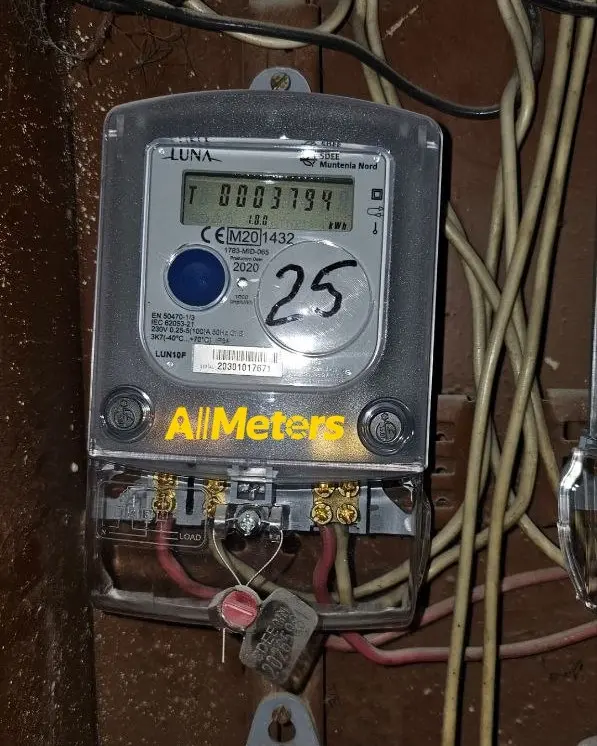
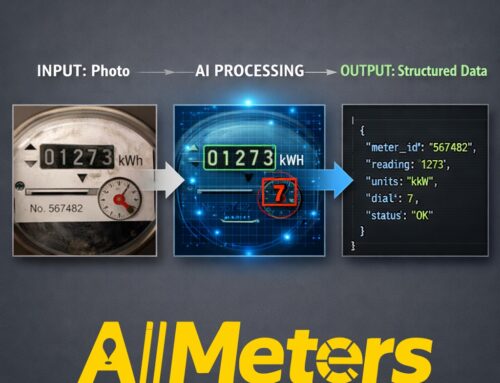
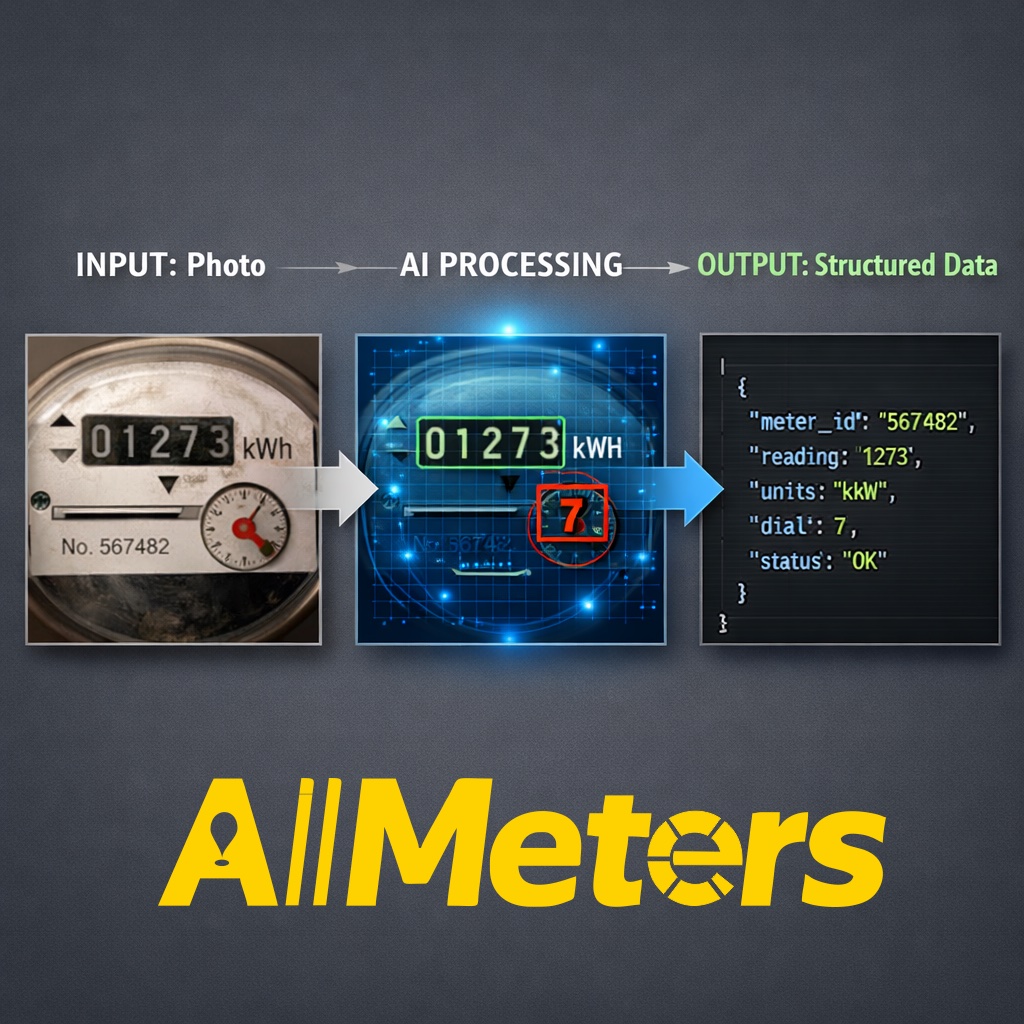
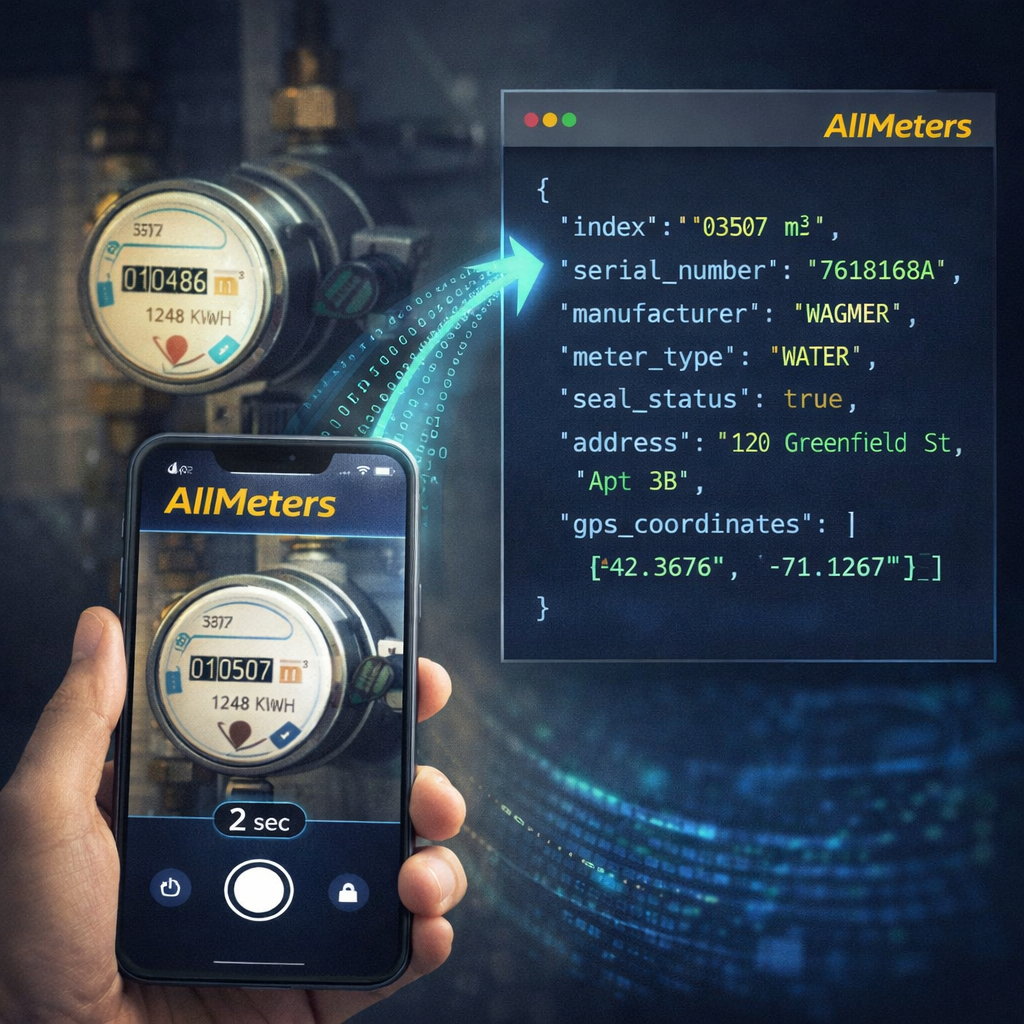
Understanding exactly what happens in the 312 milliseconds between taking a photo and receiving a structured JSON response helps utility providers and property managers evaluate whether AllMeters is the right fit for their infrastructure. This post walks through a real electricity meter analysis — from raw photograph to verified reading — using the AllMeters AI pipeline.
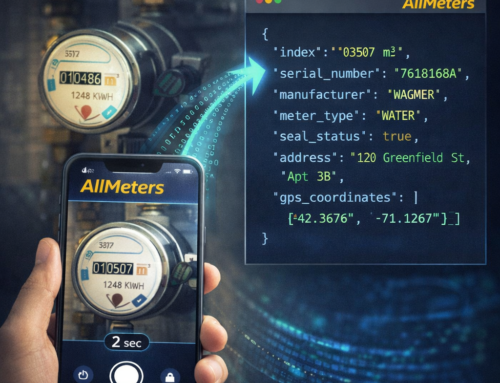
The Input: One Smartphone Photo
The only input required is a standard smartphone photograph of the meter display. AllMeters has been tested across all lighting conditions common in Romanian utility meter installations: basement meter rooms with fluorescent lighting, outdoor meter cabinets in direct sunlight, and apartment hallway meters under incandescent bulbs. The AI compensates for:
- Angle distortion up to 35° from perpendicular
- Partial reflections and glare on the meter glass
- Light condensation inside the meter housing
- Minor dirt and scratches on the display lens
- Motion blur from handheld photography
The photograph is sent to the AllMeters processing pipeline via the mobile app or REST API. No resizing or preprocessing is required on the client side.
Stage 1: Meter Detection and Localization
The first stage of the AllMeters AI pipeline uses a convolutional neural network trained to detect and localize the meter display region within the photograph. This works even when the meter occupies a small portion of the frame — for example, if the user accidentally photographed the meter from too far away.
Once the meter region is detected, the pipeline crops and perspective-corrects the display to a normalized orientation. This normalized image is what the reading extraction model receives as input.
Detection confidence is computed at this stage. If the meter display is too occluded or the photograph quality is insufficient (score below 0.70), the system returns an image_quality.issues array with specific guidance: “blurry”, “low_light”, “glare”, “partial_occlusion”, or “extreme_angle”.
Stage 2: Reading Extraction (OCR)
The reading extraction model applies a specialized OCR pipeline trained specifically on utility meter digit formats. Unlike general-purpose OCR, the AllMeters model understands the structural constraints of electricity meter displays — digit count, decimal position, rollover behavior at maximum index values — which dramatically reduces false readings.
For a typical residential electricity meter, the pipeline extracts:
- Index (kWh): The primary consumption reading, e.g., “004827.3”
- Digit count: Total digits and decimal digits (e.g., 7 digits, 1 decimal)
- Rollover detection: Whether the counter has completed a full cycle since last reading
For multi-tariff electricity meters (day/night rate, peak/off-peak), the pipeline identifies and extracts all available registers independently.
Stage 3: Meter Identification
In parallel with reading extraction, a separate identification model extracts meter metadata from the nameplate and label areas:
| Field | Example Value | Source on Meter |
|---|---|---|
| Serial number | RO-EL-2019-004827 | Nameplate label |
| Manufacturer | Landis+Gyr | Brand logo + label |
| Model | E350 | Model designation label |
| Production year | 2019 | Date code on nameplate |
| Accuracy class | B | Metrological marking |
| QR code | 042019004827001 | QR code on meter body |
| Barcode | 9780201310054 | Linear barcode on label |
The AllMeters model recognizes all major electricity meter manufacturers present on the Romanian market, including Landis+Gyr, Elster, Iskraemeco, Itron, and Microelectronica.
Stage 4: Fraud Detection and Seal Verification
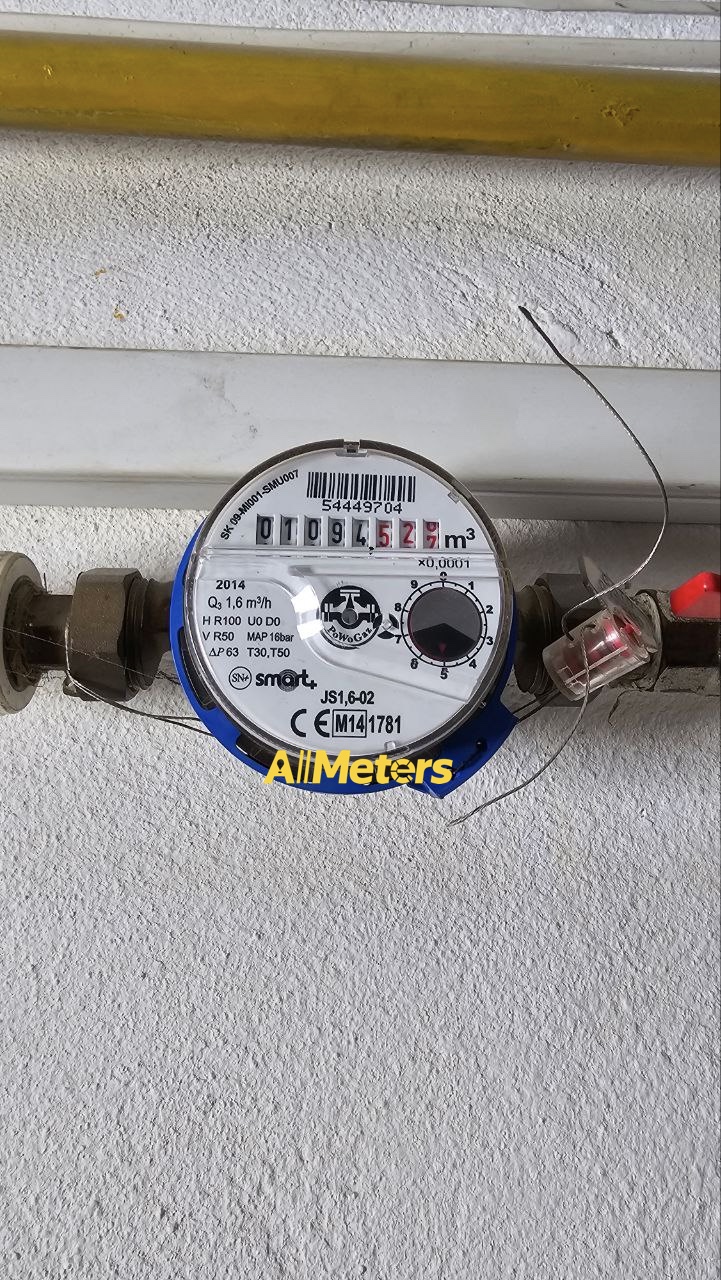
The fourth stage examines the metrological seal — the tamper-evident seal applied by the authorized verification body when the meter is certified. AllMeters detects:
- Seal presence: Is the seal visible in the photograph?
- Seal integrity: Does the seal appear intact, or are there signs of tampering (cuts, peeling, replacement)?
- Seal position: Is the seal in the expected location for this meter model?
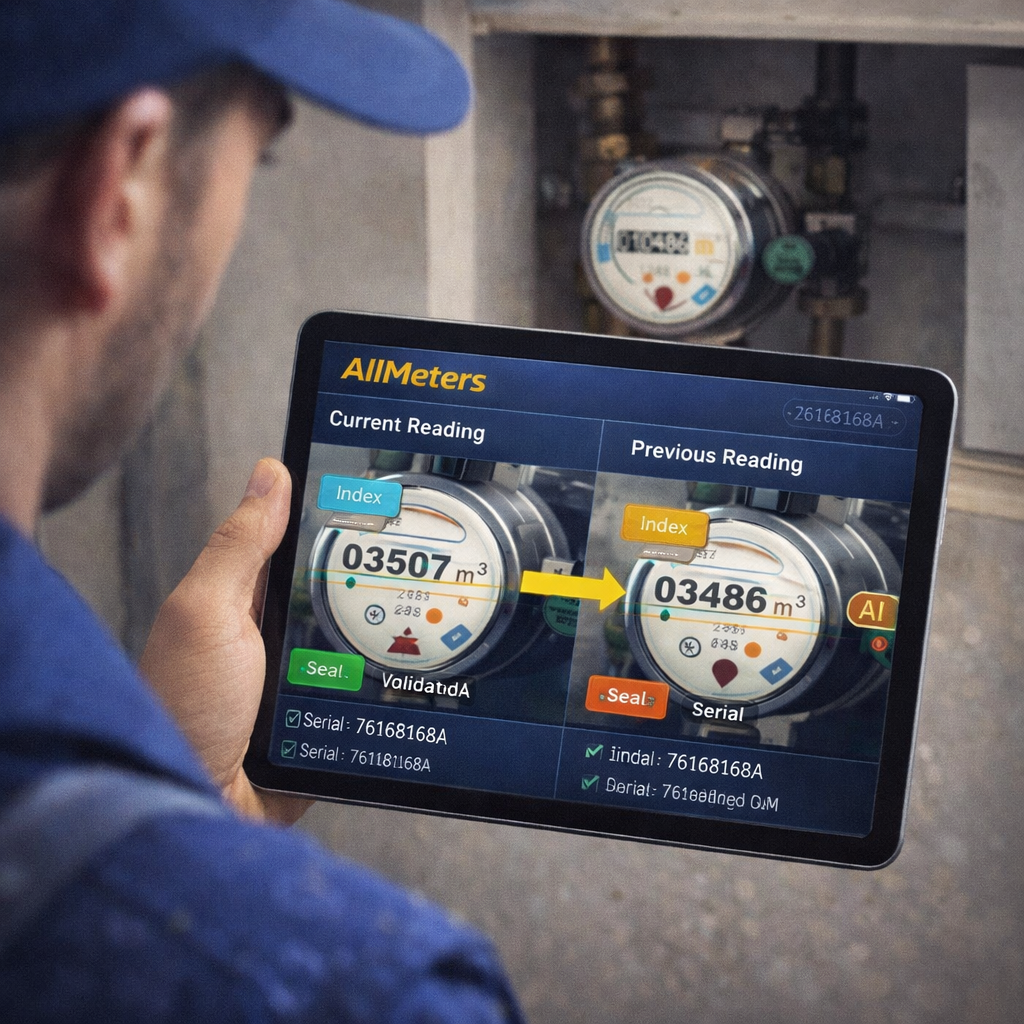
For Professional and Enterprise API tier customers, a broken or missing seal triggers an automatic fraud flag in the response ("seal_intact": false). This flag can be forwarded to the utility provider’s dispute management system via webhook. AllMeters estimates that mid-size utility providers recover approximately 428,000 EUR/year in fraud losses by systematically detecting tampered seals and anomalous consumption patterns.
Stage 5: Confidence Scoring and Quality Assurance
The final stage aggregates confidence signals from all previous stages into a single reading confidence score (0–1). The scoring model was calibrated on a validation dataset of over 15,000 manually verified meter readings from Romanian residential and commercial installations.
- Confidence ≥ 0.92: High-confidence reading. Accepted automatically by the AllMeters pipeline.
- Confidence 0.75–0.91: Medium-confidence reading. Flagged for optional human review in Enterprise setups.
- Confidence < 0.75: Low-confidence reading. Returned with
image_quality.issuesand a recommendation to retake the photo.
Accuracy on Electricity Meters
AllMeters achieves 99.0% reading accuracy on electricity meters, measured as the proportion of readings where the extracted index matches the ground truth within ±0 digits (exact match). For comparison, human reading accuracy on the same dataset was 95.3%, with the most common errors being digit transpositions and misreading of worn or partially obscured displays.
Electricity meters present specific challenges compared to water and gas meters: the digit wheels are often smaller, the display area is more densely packed, and the backlight (if present) can cause overexposure in photographs. The AllMeters pipeline handles all three conditions through dedicated preprocessing modules.
Processing Time
End-to-end processing time from image receipt to JSON response delivery:
- Median: 312 ms
- 95th percentile: 441 ms
- 99th percentile: 487 ms
Processing runs on GPU-accelerated infrastructure with automatic horizontal scaling. Peak load periods (typically the 25th–28th of each month, when Romanian utilities require index submissions) are handled by pre-allocated capacity that activates automatically.
Electricity, water, or gas — AllMeters processes all meter types through the same API endpoint. Set meter_type: "auto" to let the AI identify the meter type automatically, or specify it explicitly for marginally faster processing.
👉 www.all-meters.com



Leave A Comment
You must be logged in to post a comment.